LifeLink / Clinic phone system
Every call.
A clearer connection.
Bring clinic calls, your team, and patient records together. From the first ring to the follow-up. Call +1 368 210 1632 to try out our phone system — it is a live LifeLink EMR clinic line.
Try out our phone system. This is a live LifeLink EMR clinic line — the same IVR and routing our clinics use.
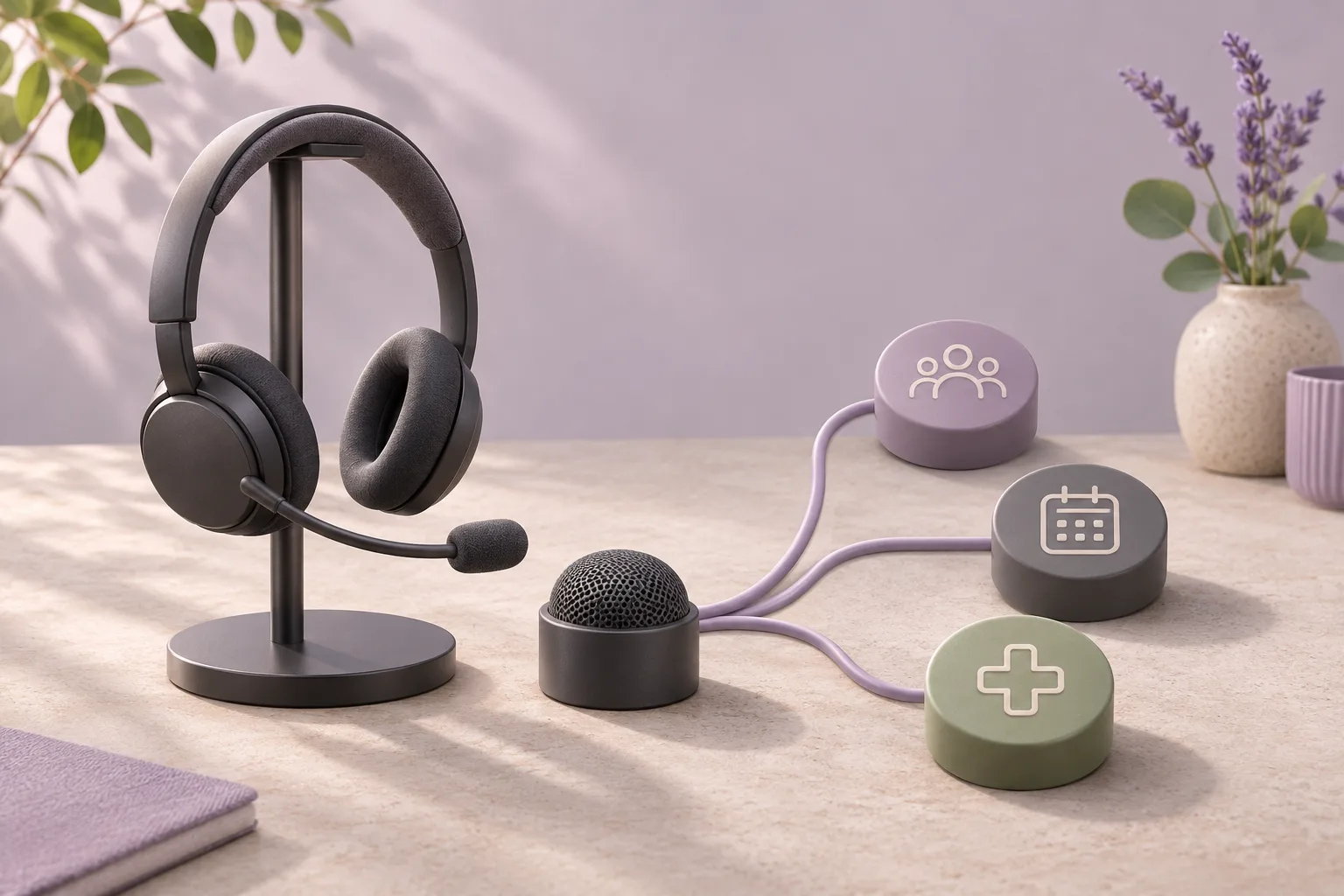
A welcoming first ring.
A clear path from there.
Build a phone menu around how your clinic works. Explore an example below.
Your clinic number
Example menu · select a destination
Scheduling team
Make the next step clear.
Give booking and appointment changes their own menu option, so callers reach the right team.
Reception can help with a new booking or an existing visit.
Illustrative routing example. Menu options and destinations depend on your clinic configuration.
New feature / Hardware phone support
Pick up a handset.
Stay connected to your clinic.
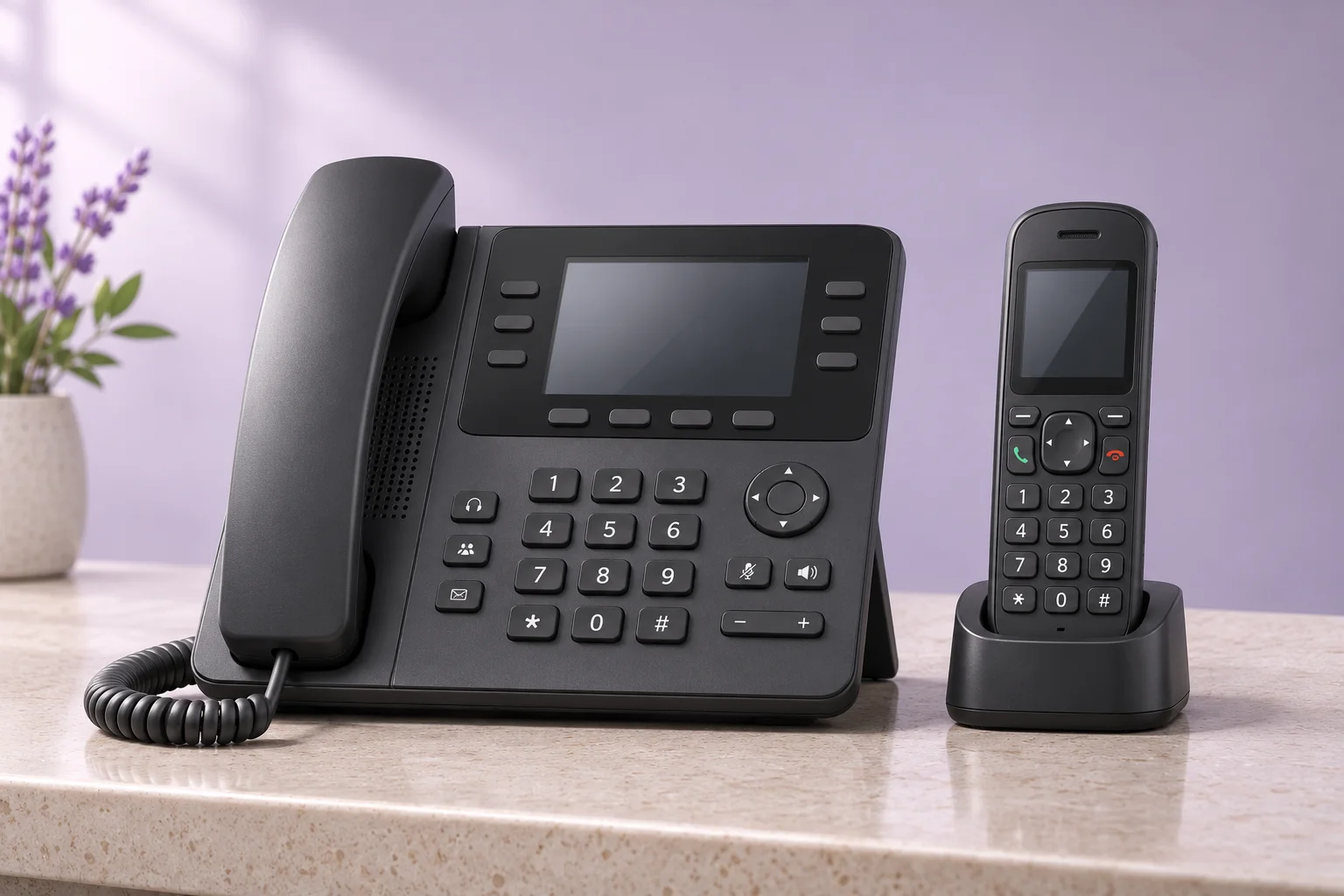
LifeLink now connects compatible SIP desk and handheld phones to your clinic calling. Give reception a familiar phone and let each person choose where they answer.
- Keep your existing clinic call flow
- Call out using your clinic number
- Choose browser, personal phone or hardware handset
North American business calling. 911 requires separate clinic-address setup.
At the computer
Answer in the browser while working in LifeLink.
On a personal phone
Route calls to a staff member’s chosen North American phone number.
With a familiar handset
Use a compatible registered SIP desk phone or handheld with a SIP base.
The desk closes.
Your call flow carries on.
Set a different destination outside business hours, with a clear next step for callers and your team.
Start with your opening hours
Configure when callers reach the daytime team and when the after-hours flow takes over.
Choose how calls are handled
Direct callers to voicemail, an on-call target, or an AI assistant, depending on your setup.
Keep context for the follow-up
Review available messages and call summaries alongside the patient record.
AI call summaries and after-hours AI routing require the AI System plan.
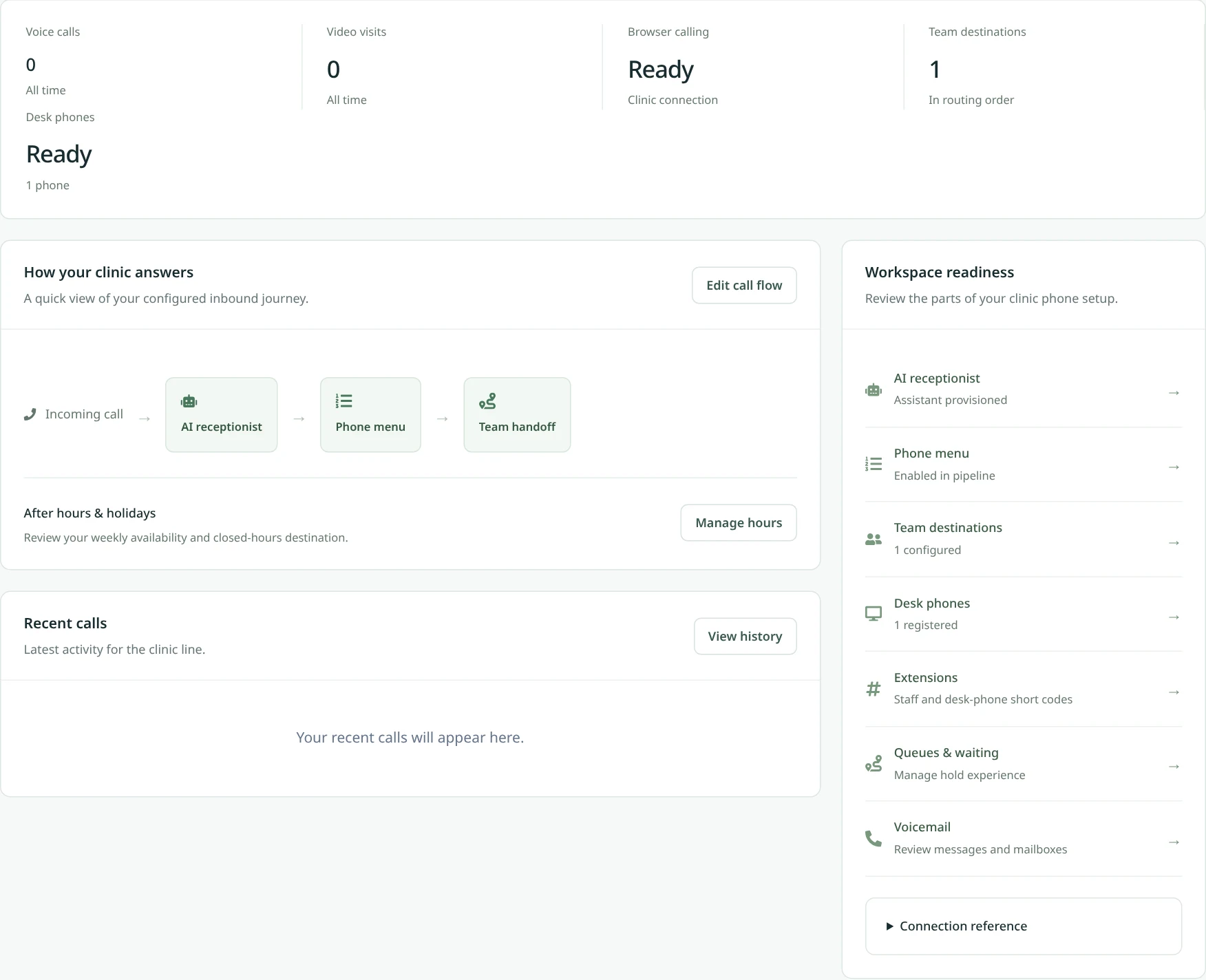
See the call workspace.
Explore a sample of call management, then see your clinic’s workflow in a guided demo.
Before you
make the switch.
Common questions about clinic calling, devices, and setup.
Explore patient engagementLet’s map your next call.
Call +1 368 210 1632 to try the live EMR phone system, or book a walkthrough of menus, staff devices, and after-hours routing.